Font maker, font creator, font builder, typeface designer: the tools below answer to all of those names. What actually separates them is not the label but the format. Some are websites you open in a browser, some are software you install, and the two suit very different people.
A good free one should do four things well: cost nothing, be easy enough that you actually finish a font, export real TTF or OTF files you can install anywhere, and respect your privacy. Plenty claim to be free, but they differ a lot in how they work and who they suit. Here is an honest comparison of six that are genuinely worth your time in 2026.
Website or installed software?
This is the first fork, and it decides most of the rest.
A font creation website runs in your browser. Nothing to install, nothing to update, and you can pick up the work from any machine. The modern ones cover the whole job, from importing your letters to exporting a finished file, and the good ones process everything on your device, so your drawings never leave your computer.
Font creation software is installed on your machine. It usually offers deeper control: node-by-node curve editing, kerning tables, OpenType features. The price is a real learning curve, and you are tied to the machine you installed it on.
If you have never made a font before, start on the web. You can always move a project into a full editor later, once you know what you actually need from one.
FontMaker
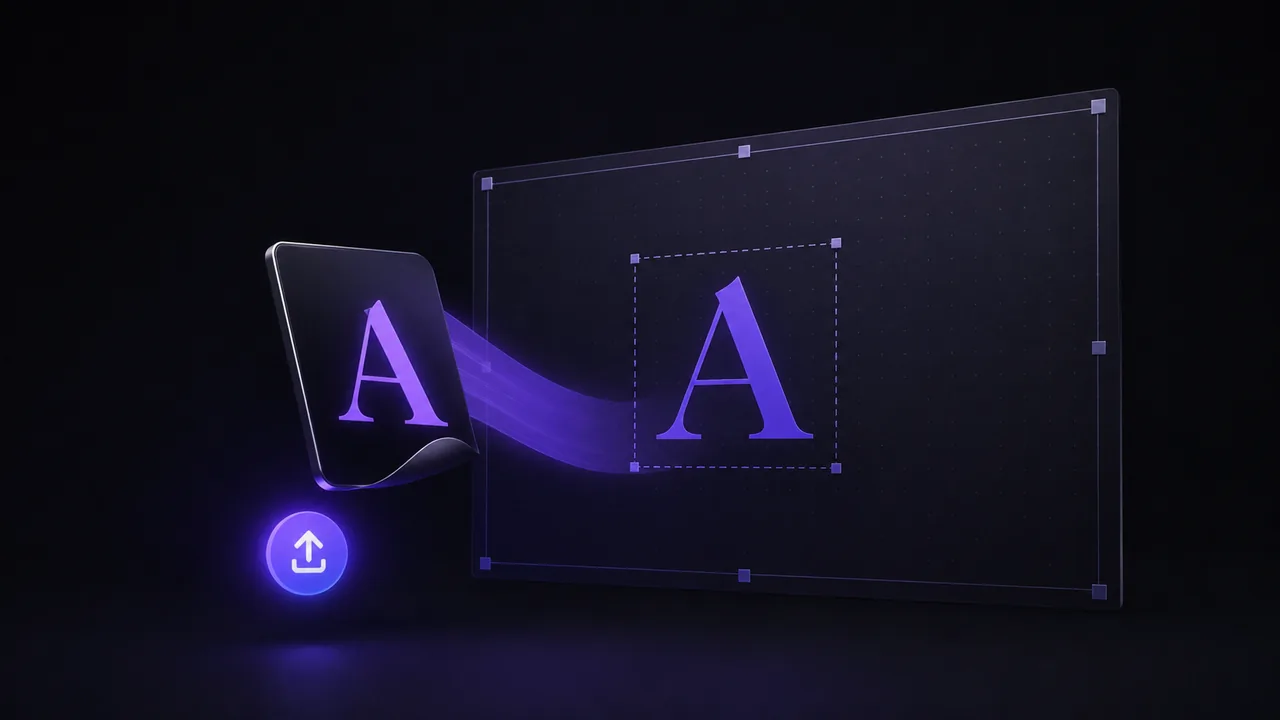
FontMaker is a browser-based tool that turns SVG files, images (PNG, JPG), and handwriting into a real TTF or OTF font. You drag in your letters, it traces images into clean vectors automatically, and a live preview shows your text in your own font while you adjust spacing and size. Everything runs on your device, so nothing is uploaded to a server and you do not need an account.
- Cost: free, no watermark, no sign-up.
- Best for: beginners who want a font fast from drawings, photos, or handwriting.
- Trade-off: it focuses on getting you to a finished font quickly rather than deep, node-by-node curve editing.
Because there is nothing to install and nothing to learn beyond drag, adjust, export, it is the easiest starting point for most people.
Calligraphr
Calligraphr does one thing and does it well: turning your handwriting into a font. You print a template, write each character by hand in the boxes, then scan or photograph the sheet and upload it back. Calligraphr cleans up the shapes and builds a font you can download.
- Cost: free tier available, paid plans for more.
- Best for: people who specifically want their handwriting and are happy to print and scan.
- Trade-off: the free tier is limited (a capped number of characters and no advanced features such as multiple variants or ligatures), and the print and scan loop takes longer than importing files.
BirdFont
BirdFont is a free desktop application for Windows, macOS, and Linux. It is a full font editor with vector drawing tools, so you can build glyphs from scratch or import shapes and refine them curve by curve.
- Cost: free download (there are paid versions in some app stores, but the download from the official site is free).
- Best for: people who want offline software and are ready to learn a real editor.
- Trade-off: more power means more to learn, and you install it rather than working in the browser.
FontForge
FontForge is the best known free and open source font editor, and the closest thing to a standard among tools that cost nothing. It runs on Windows, macOS, and Linux, and it covers the full pipeline: drawing, spacing, kerning, OpenType features, and a long list of export formats.
- Cost: free and open source.
- Best for: people who want professional depth without paying, and do not mind a dated interface.
- Trade-off: the steepest learning curve of the six by a wide margin, and an interface that has aged. Expect to read documentation.
If you have ever seen a free font editor mentioned in a typography forum, it was probably this one.
FontStruct
FontStruct is a browser-based tool where you build fonts from geometric blocks, called bricks, snapped to a grid. That makes it excellent for modular, pixel, and geometric styles, and less suited to smooth, organic handwriting.
- Cost: free, requires a free account.
- Best for: pixel fonts, modular display faces, and anyone who enjoys a grid.
- Trade-off: the block approach is a creative constraint by design, and by default your creations are shared in the public gallery.
Glyphr Studio
Glyphr Studio is a free, browser-based font editor aimed at people who want real control. It gives you proper vector editing, kerning, and the kind of depth you would expect from desktop software, without installing anything.
- Cost: free and open source.
- Best for: hobbyists and designers who want to draw and edit precisely in the browser.
- Trade-off: the extra control comes with a steeper learning curve than a drag-and-drop tool.
How to choose
Match the tool to your goal.
| Your goal | Best pick |
|---|---|
| A font from drawings, images, or handwriting, fast | FontMaker |
| Specifically digitizing your handwriting | Calligraphr or FontMaker |
| Approachable desktop software | BirdFont |
| Professional depth, for free | FontForge |
| Pixel, modular, or geometric styles | FontStruct |
| Precise vector editing in the browser | Glyphr Studio |
A few notes to make the choice easier:
- If you want a finished font in a few minutes with no account and nothing uploaded, start with FontMaker.
- If your goal is very specifically to print, write, and scan your handwriting, Calligraphr is built around that flow.
- If you prefer installed software and plan to edit curves in detail, BirdFont is the gentler way in, and FontForge the most capable once you are past the learning curve.
- If you love grids and want a pixel or modular look, FontStruct is made for it.
There is no single best free font maker, only the best one for what you are making. For most people, though, the fastest path from an idea to an installable TTF or OTF is a browser tool that reads your images and handwriting directly. Try one, export a real file, and see how it feels to type in a font that is yours.