Font-making guides
Tutorials and tips for designing your own fonts.
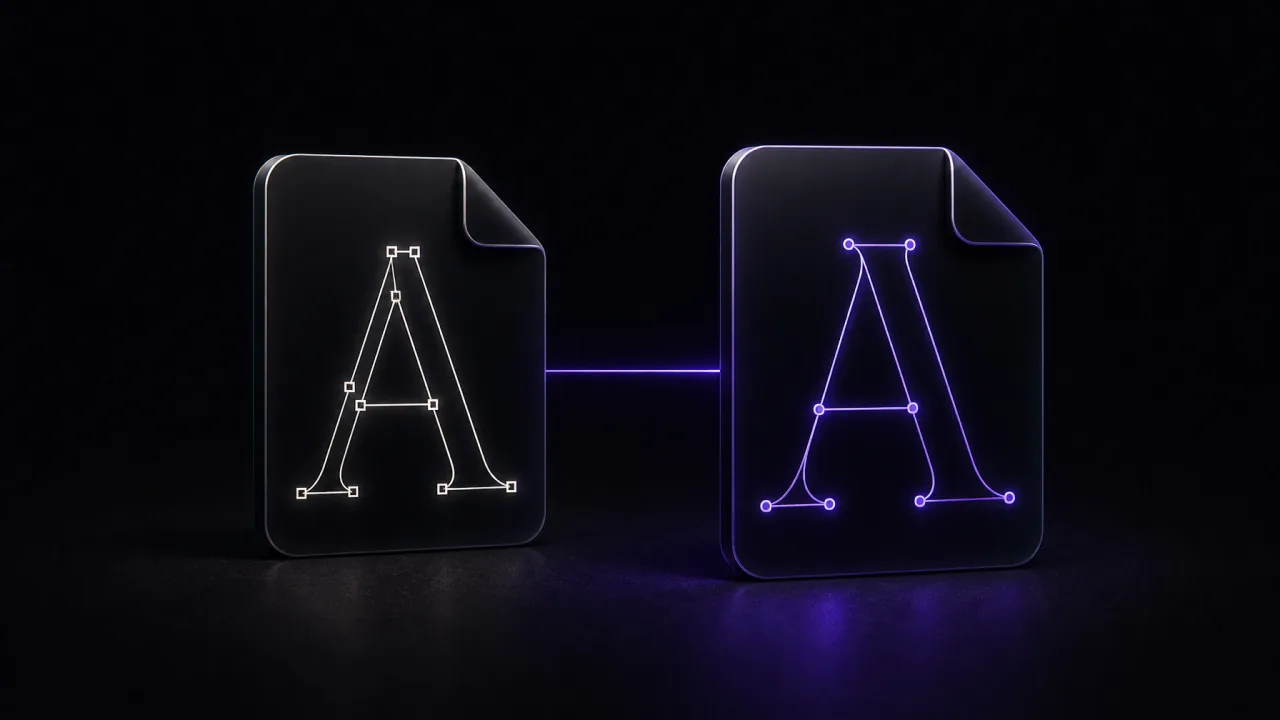 TTF vs OTF: Which Font Format Should You Use?
TTF or OTF? What really separates the two font formats, which one to pick for your own font, and how to install each on Windows and Mac.
TTF vs OTF: Which Font Format Should You Use?
TTF or OTF? What really separates the two font formats, which one to pick for your own font, and how to install each on Windows and Mac.
 Where Are Fonts Stored on Windows and Mac?
The exact folders where font files live on Windows, macOS and Linux, how to open them in one step, and how to get a font file back out.
Where Are Fonts Stored on Windows and Mac?
The exact folders where font files live on Windows, macOS and Linux, how to open them in one step, and how to get a font file back out.
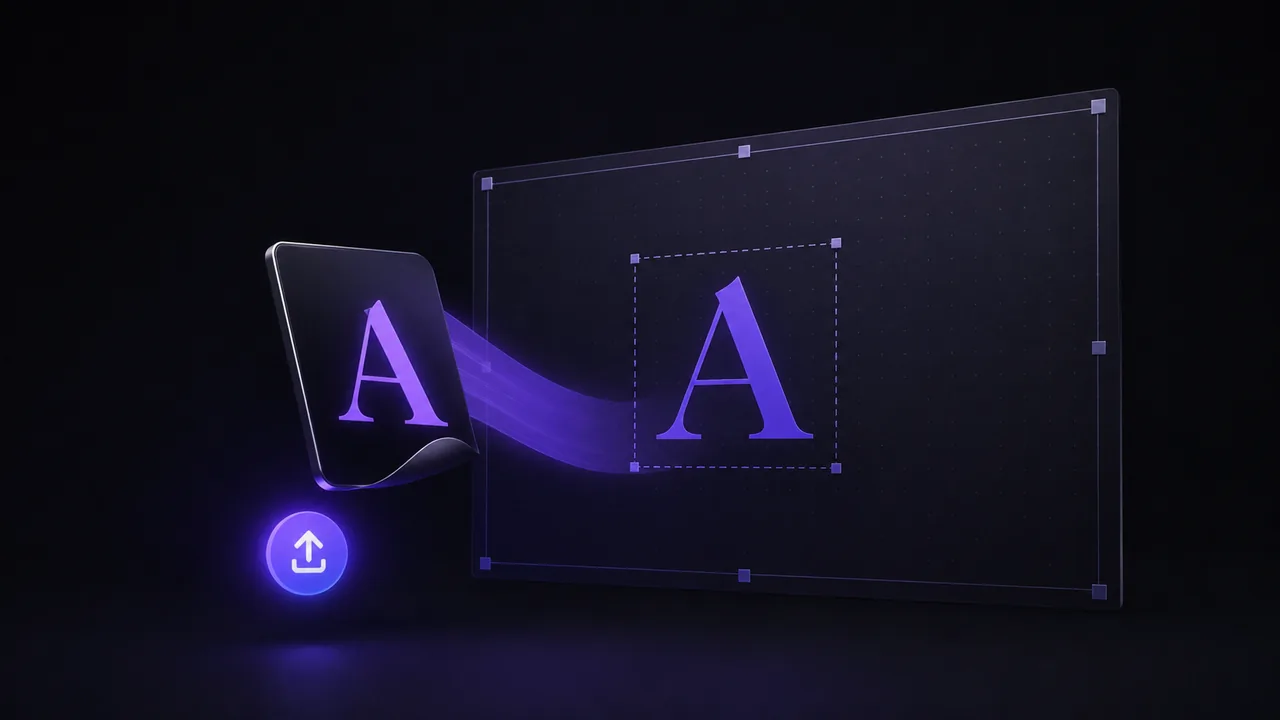 How to Add Custom Fonts to Canva (Step-by-Step Guide)
Learn how to add fonts to Canva step by step. Upload TTF, OTF or WOFF with Canva Pro, or make your own font with FontMaker and use it in any design.
How to Add Custom Fonts to Canva (Step-by-Step Guide)
Learn how to add fonts to Canva step by step. Upload TTF, OTF or WOFF with Canva Pro, or make your own font with FontMaker and use it in any design.
 Best Free Font Makers and Font Creator Software (2026)
A fair comparison of six free font creators in 2026, websites and desktop software: FontMaker, Calligraphr, BirdFont, FontForge, FontStruct and Glyphr Studio.
Best Free Font Makers and Font Creator Software (2026)
A fair comparison of six free font creators in 2026, websites and desktop software: FontMaker, Calligraphr, BirdFont, FontForge, FontStruct and Glyphr Studio.
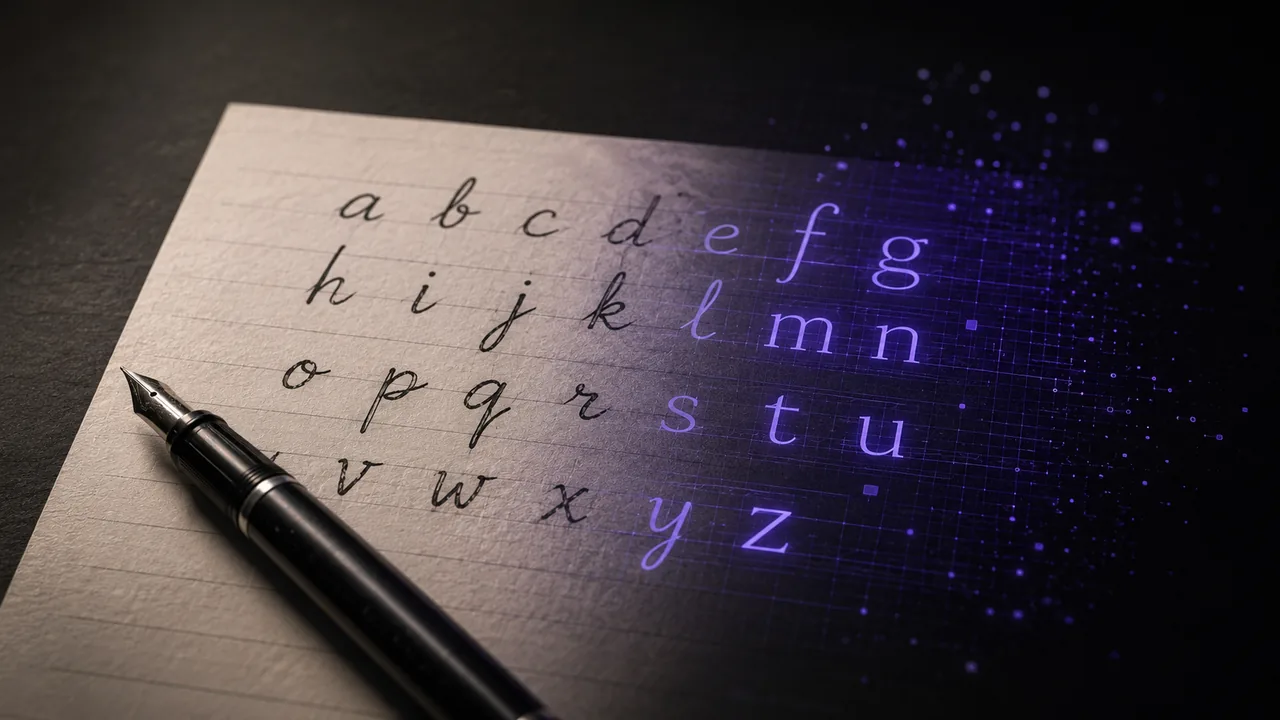 How to Turn Your Handwriting Into a Font in Your Browser
Learn how to turn your handwriting into a font for free. Write your letters, scan or photograph them, then let FontMaker trace and export a real TTF or OTF.
How to Turn Your Handwriting Into a Font in Your Browser
Learn how to turn your handwriting into a font for free. Write your letters, scan or photograph them, then let FontMaker trace and export a real TTF or OTF.
 How to Make Your Own Font (Free, Right in Your Browser)
A simple step-by-step guide to making your own font for free: from your drawings or handwriting to a real TTF or OTF file, all in your browser.
How to Make Your Own Font (Free, Right in Your Browser)
A simple step-by-step guide to making your own font for free: from your drawings or handwriting to a real TTF or OTF file, all in your browser.
 How to Install a Font on Mac: TTF and OTF Step by Step
Learn how to install a font on Mac in seconds. Double-click to Install Font or use Font Book, enable and organize fonts, and fix a font that will not appear.
How to Install a Font on Mac: TTF and OTF Step by Step
Learn how to install a font on Mac in seconds. Double-click to Install Font or use Font Book, enable and organize fonts, and fix a font that will not appear.
 How to Install a Font on Windows (10 and 11 Guide)
Install a font on Windows 10 or 11 in seconds. Three easy methods (right-click, Settings, Fonts folder), plus how to fix a font that will not show up.
How to Install a Font on Windows (10 and 11 Guide)
Install a font on Windows 10 or 11 in seconds. Three easy methods (right-click, Settings, Fonts folder), plus how to fix a font that will not show up.